-
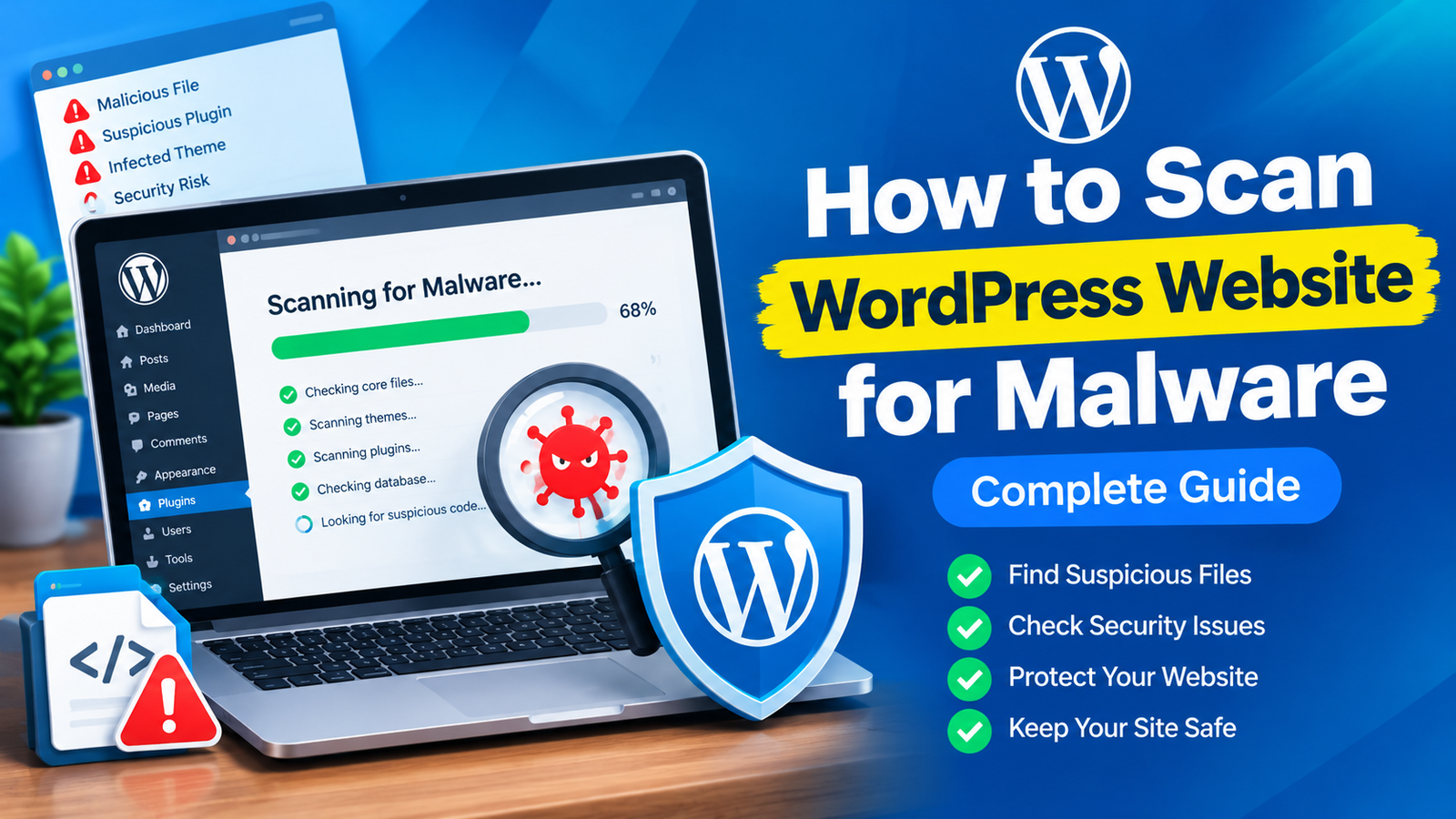
How to Scan WordPress Website for Malware
WordPress websites can become targets for malware, malicious scripts, and unauthorized changes. Sometimes, an infection is easy to notice because…
-
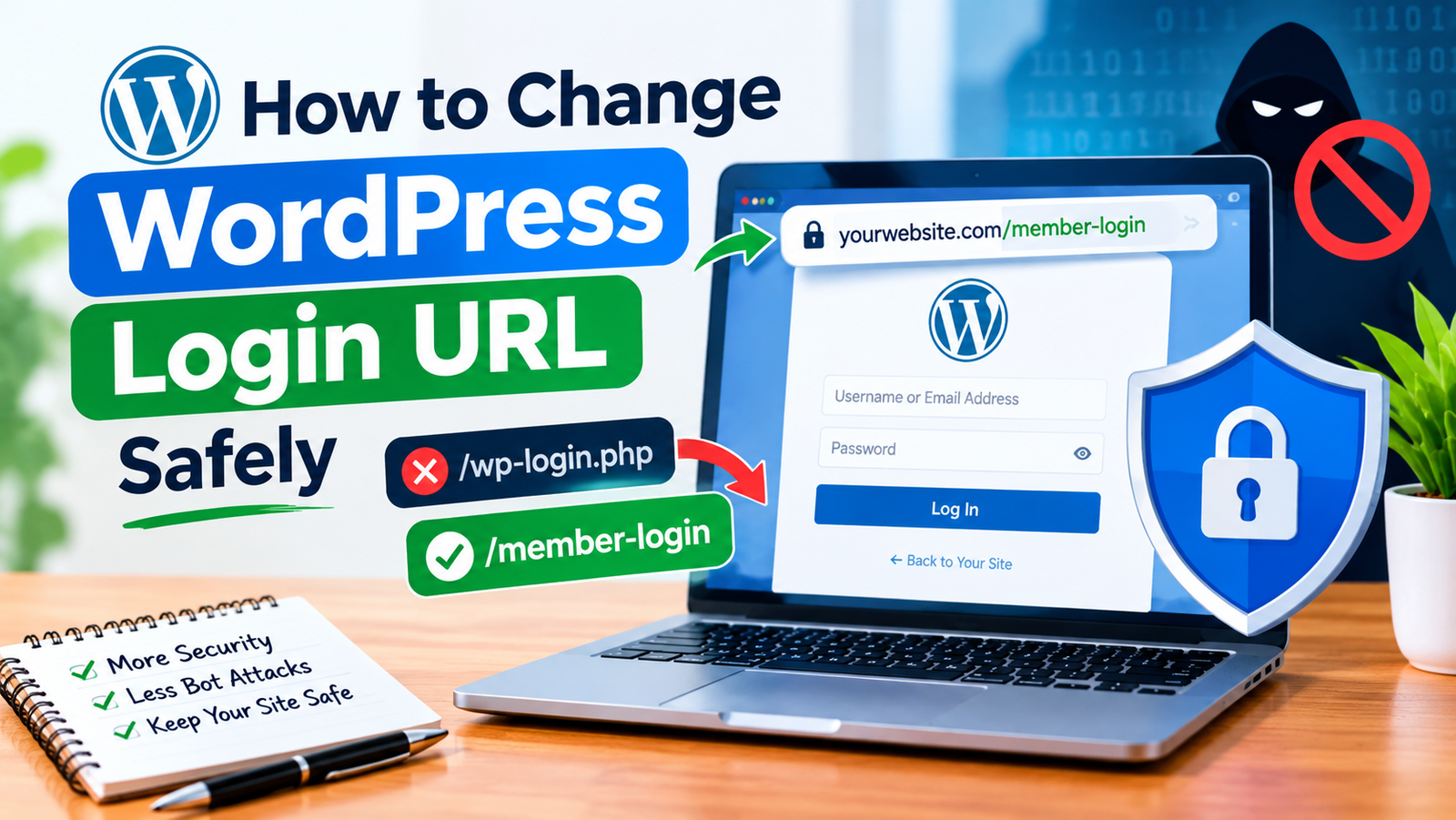
How to Change WordPress Login URL Safely
The default WordPress login page is usually available at /wp-admin or /wp-login.php. Because these URLs are commonly known, automated bots…
-
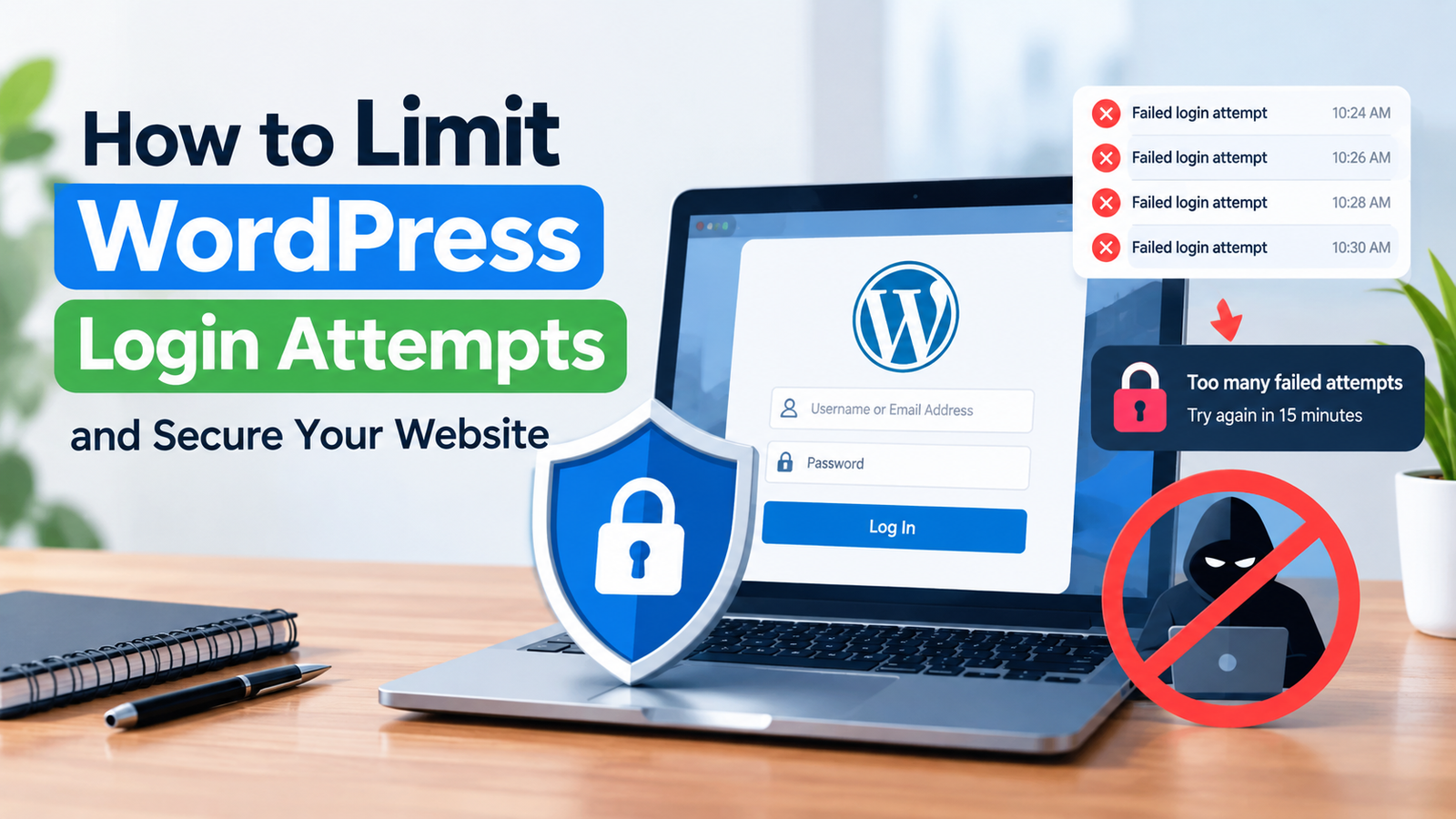
How to Limit WordPress Login Attempts and Secure Your Website
WordPress websites can become targets for automated login attacks. Bots may repeatedly try different usernames and passwords until they find…
-
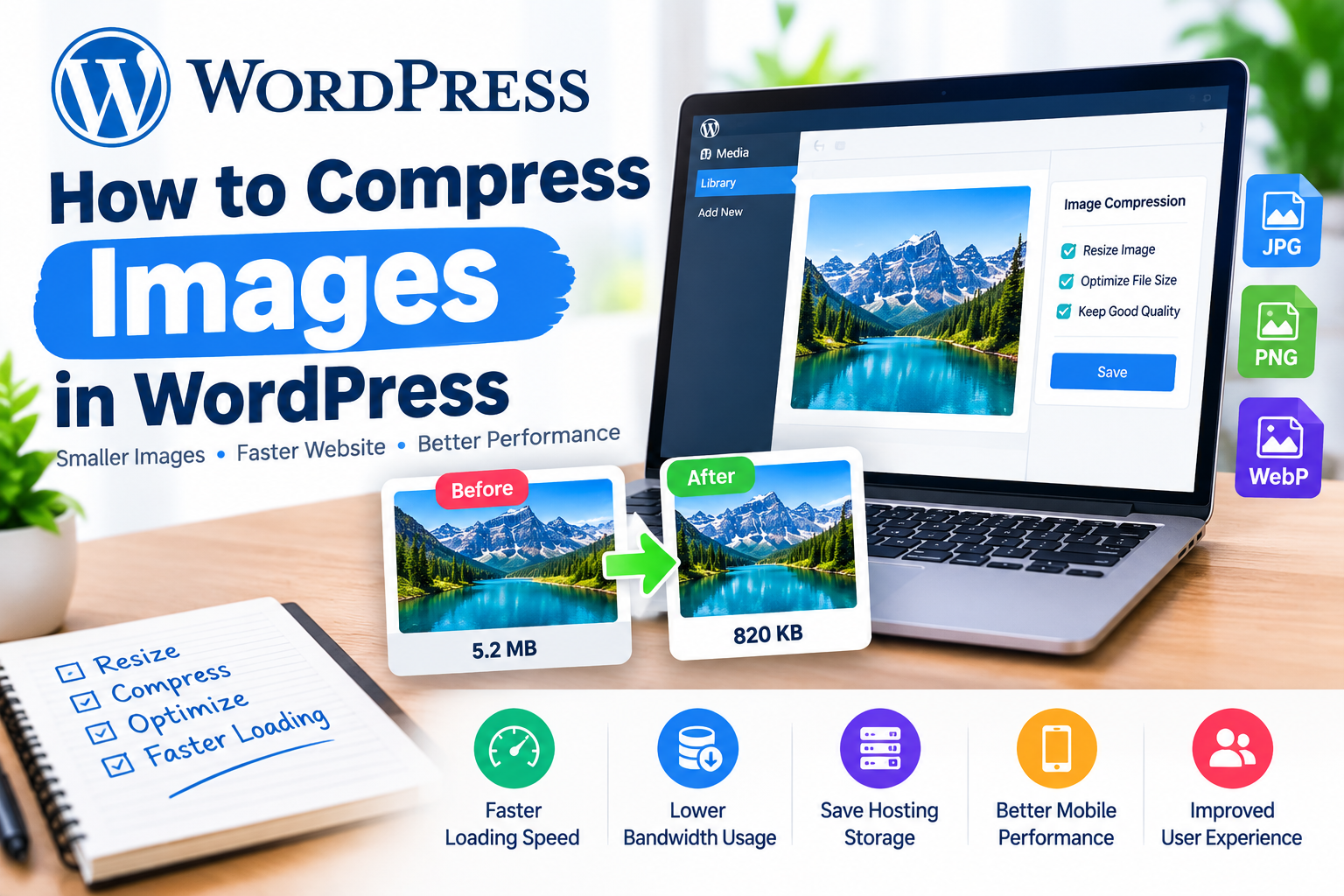
How to Compress Images in WordPress
Images make a WordPress website more attractive, but large image files can also slow down your pages. When visitors have…
-
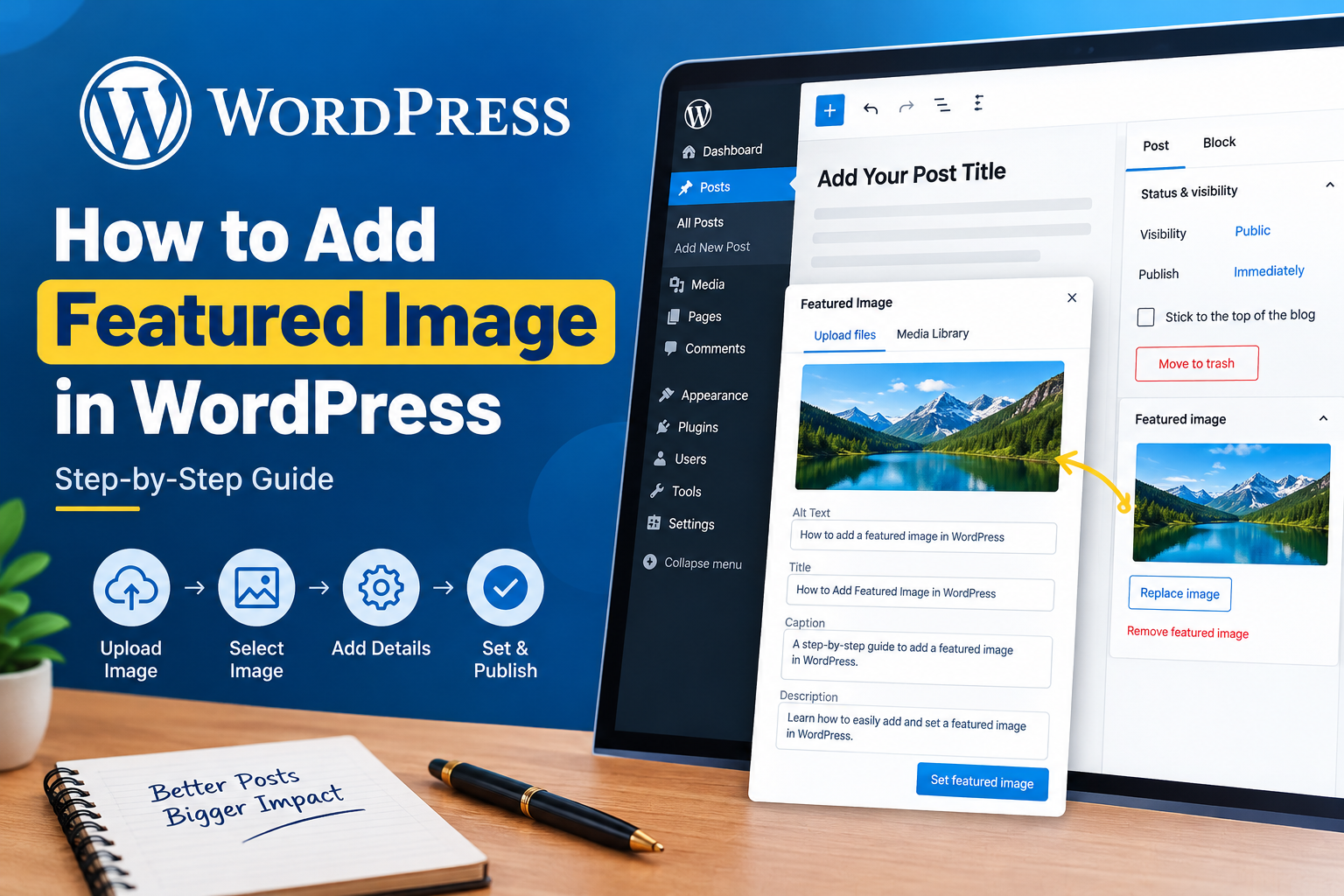
How to Add Featured Image in WordPress
A featured image is one of the most important visual elements of a WordPress post. It usually appears at the…
-
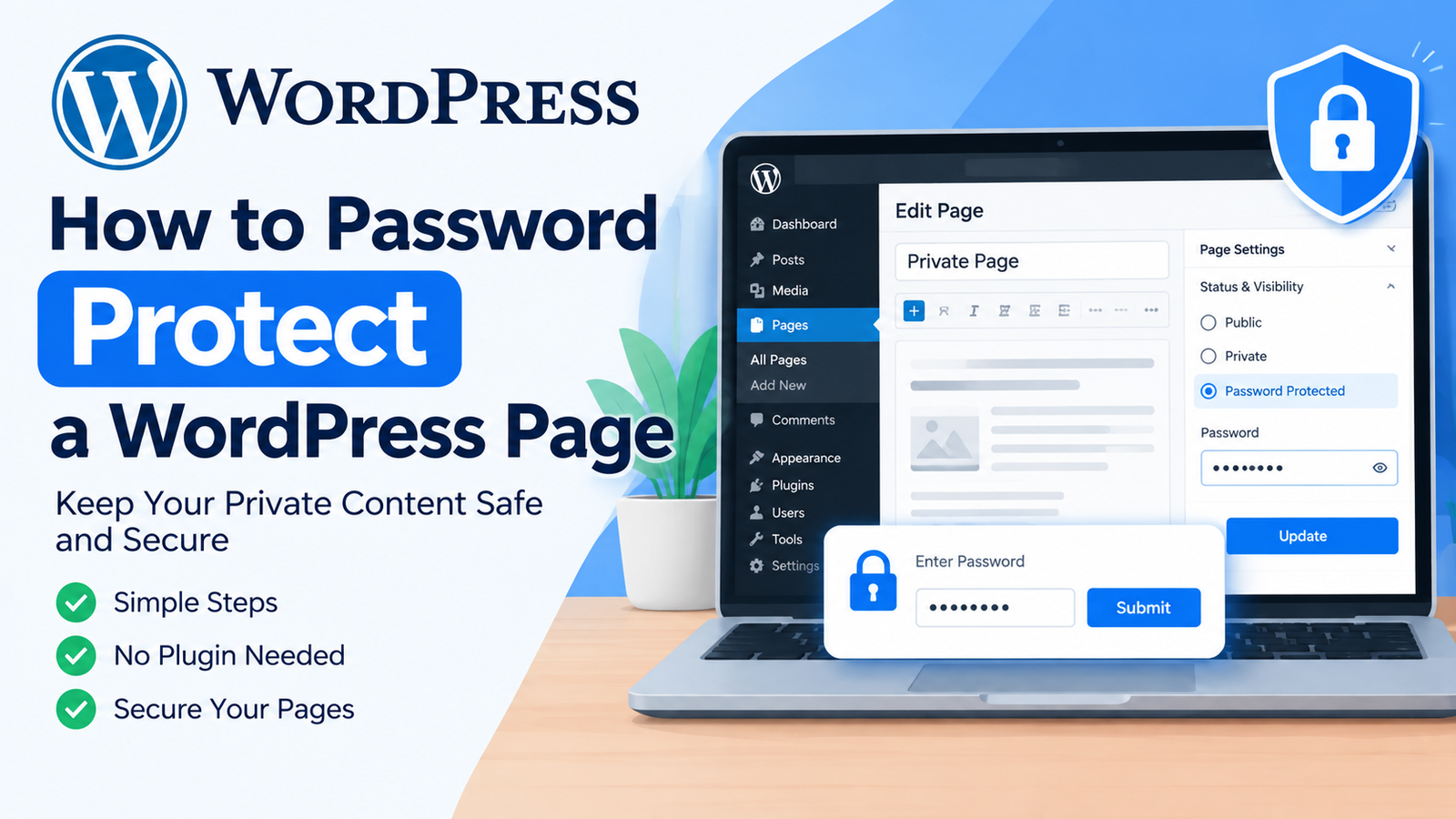
How to Password Protect a WordPress Page Easily
Sometimes you may want to keep a WordPress page private. For example, you might have a members-only page, a private…
-
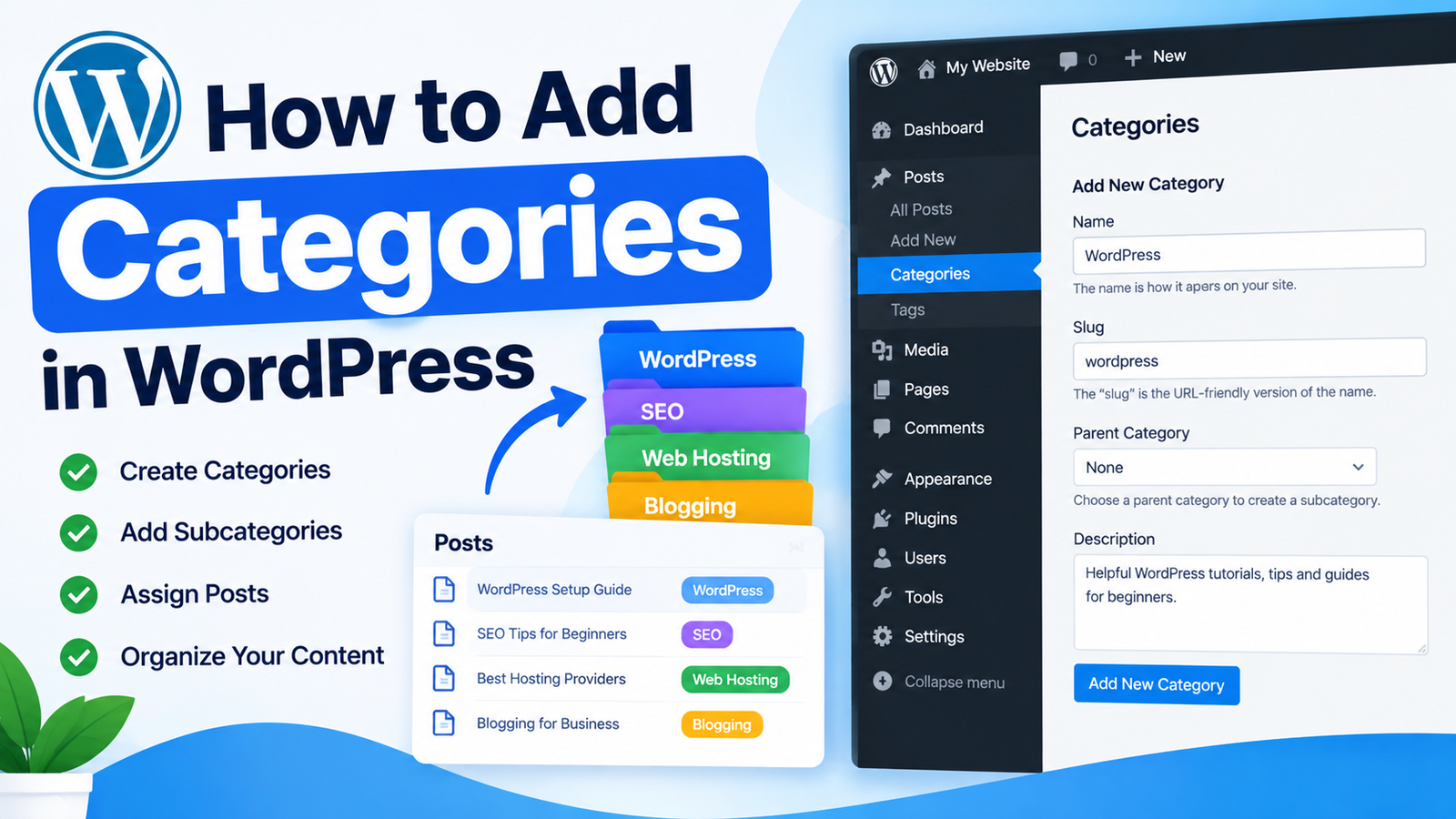
How to Add Categories in WordPress
Categories help you organize your WordPress content into clear and useful groups. They make it easier for visitors to find…
-
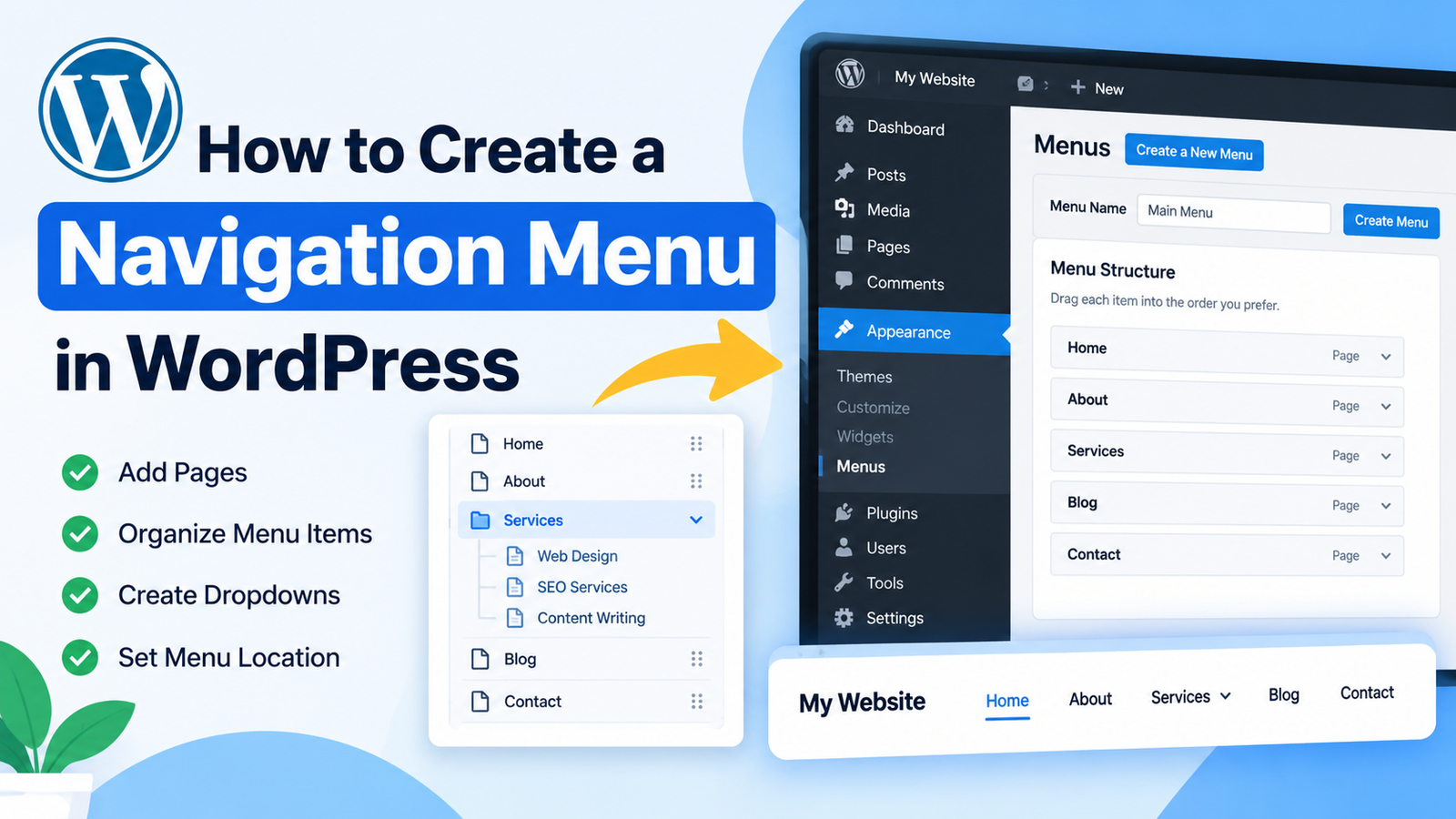
How to Create a Navigation Menu in WordPress
A navigation menu helps visitors move around your website easily. It usually appears in the header and contains links to…
-
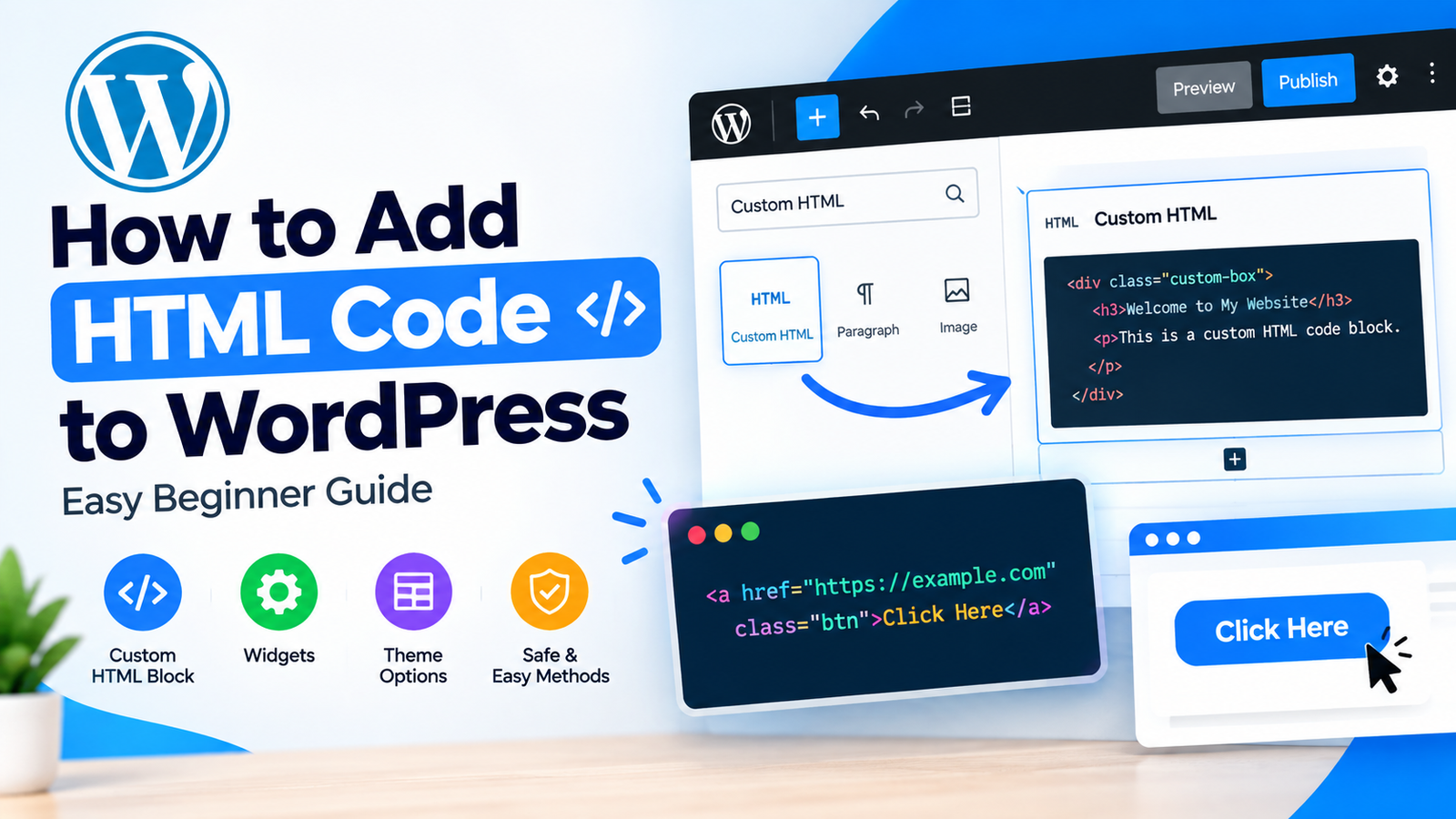
How to Add HTML Code to WordPress
WordPress makes it easy to build a website without knowing how to code. However, there are times when you may…
-
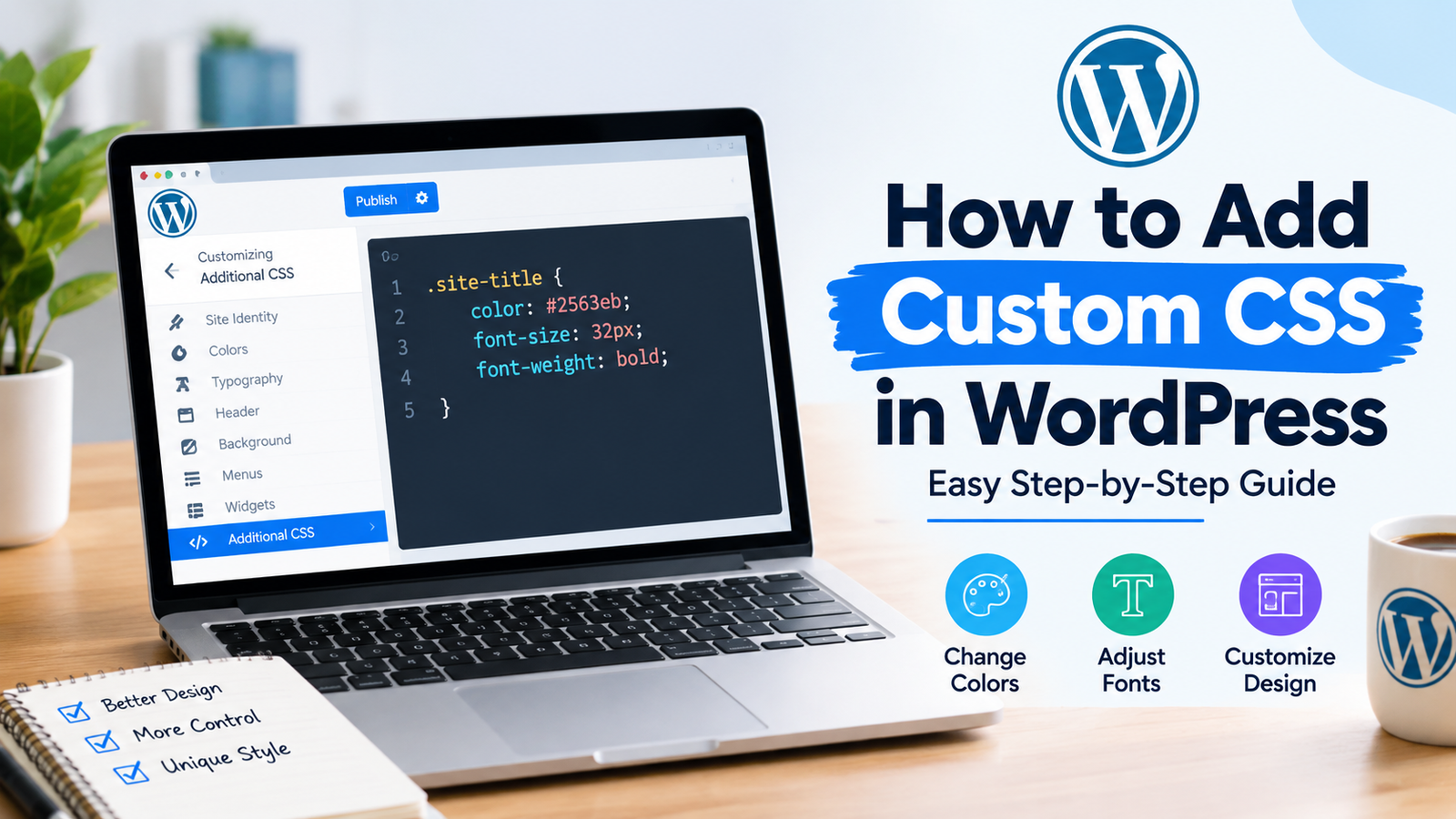
How to Add Custom CSS in WordPress
WordPress gives you many ways to customize a website without editing its core files. However, sometimes the available theme settings…