
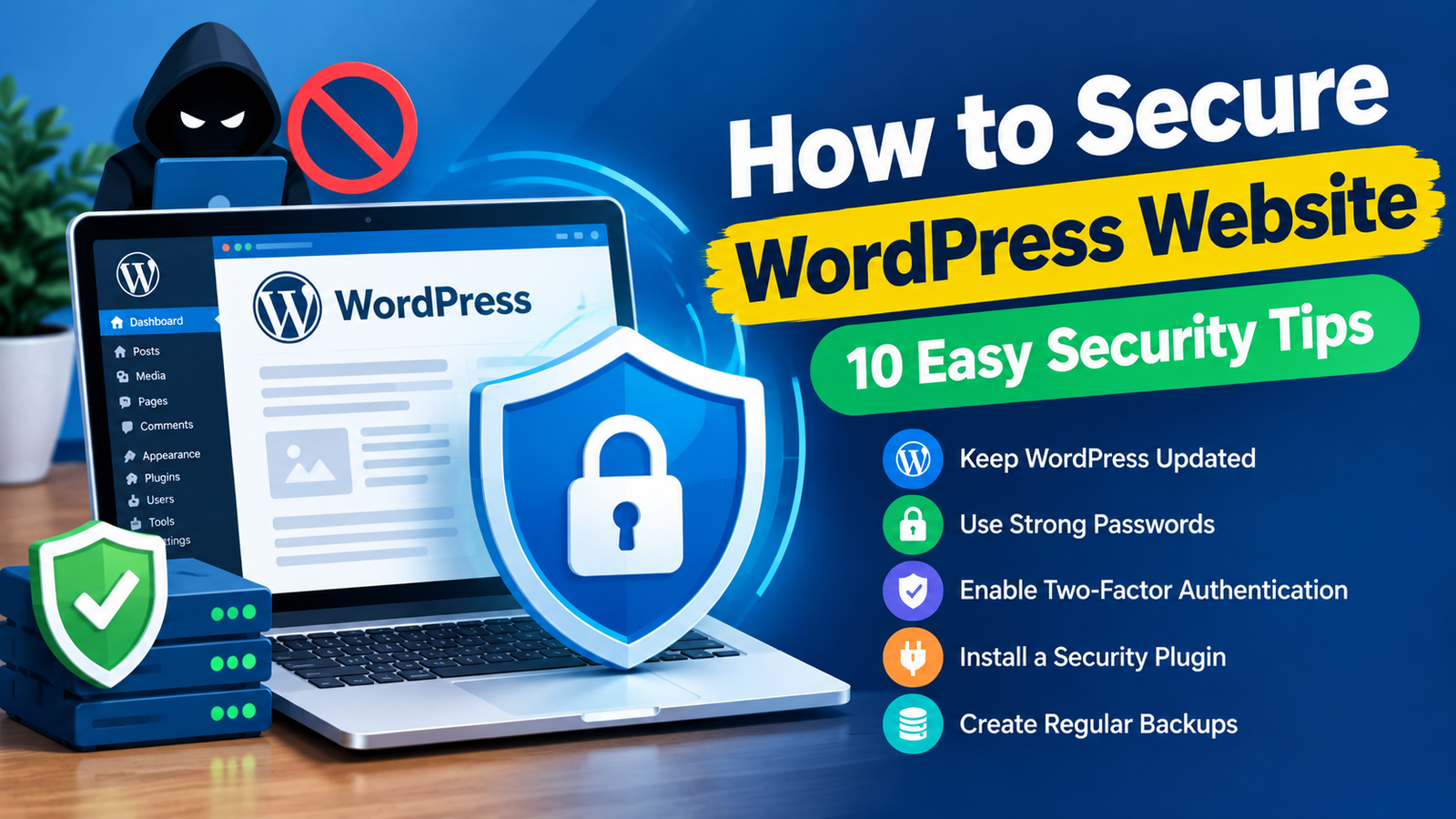
WordPress powers millions of websites, which makes it a popular target for hackers and automated attacks. The good news is that you can take several simple steps to protect your website.
If you are wondering how to secure WordPress website, you do not need to be a security expert. Basic practices such as keeping your software updated, using strong passwords, creating backups, and limiting user access can make a significant difference.
In this guide, you will learn practical ways to improve your WordPress website security.
1. Keep WordPress Updated
One of the easiest ways to secure your website is to keep WordPress updated. New WordPress releases often include security improvements, bug fixes, and performance updates.
You should also update your installed themes and plugins. Outdated software can contain vulnerabilities that attackers may exploit.
Before making major updates, create a complete backup. This gives you a way to restore your website if an update causes compatibility problems.
2. Use Strong Passwords
Weak passwords can make it easier for attackers to access your WordPress dashboard.
Create a strong and unique password for your administrator account. Avoid using common words, names, birthdays, or simple number combinations.
Also, do not use the same password for WordPress and other services. If one account is compromised, attackers may try the same credentials on your other accounts.
A password manager can help you create and store strong passwords securely.
3. Enable Two-Factor Authentication
Two-factor authentication adds another layer of protection to your WordPress login.
With 2FA enabled, users usually need a password and an additional verification method before they can access the account.
Even if someone discovers your password, the second verification step can make unauthorized access much more difficult.
Enable two-factor authentication for administrator accounts whenever your security setup supports it.
4. Install a Trusted Security Plugin
A reputable WordPress security plugin can provide additional protection for your website.
Depending on the security tool, features may include malware scanning, login protection, firewall rules, suspicious activity monitoring, and security alerts.
Choose a plugin that is actively maintained and compatible with your current WordPress version.
Avoid installing too many security plugins because overlapping features can sometimes create conflicts or unnecessary server load.
5. Create Regular Backups
Backups are essential for website security. If your website is hacked, damaged, or accidentally modified, a recent backup can help you recover.
Create regular backups of both your WordPress files and database. Store at least one backup in a separate location rather than keeping every copy on the same hosting account.
Test your backups occasionally to make sure they can actually be restored.
A backup does not prevent an attack, but it can make recovery much easier.
6. Remove Unused Plugins and Themes
Unused plugins and themes can create unnecessary security risks.
If you no longer need a plugin, deactivate and remove it. Do the same with themes that you are not using.
Do not install themes or plugins from unknown websites. Pirated or modified software can contain hidden malicious code.
For a broader overview of WordPress website security essentials, focus on keeping your installation clean, updated, and properly monitored.
7. Limit User Permissions
Not every person working on your website needs administrator access.
WordPress provides different user roles, including Administrator, Editor, Author, Contributor, and Subscriber. Give each user only the permissions required for their work.
For example, someone who only needs to write blog posts usually does not need full administrator privileges.
Reducing unnecessary access can limit the damage if an account becomes compromised.
8. Protect Your Login Page
Your WordPress login page can receive automated login attempts from bots.
Use strong passwords and two-factor authentication to protect administrator accounts. A security plugin can also help limit repeated failed login attempts.
Avoid using obvious administrator usernames. Review your user accounts regularly and remove accounts that are no longer needed.
You should also make sure your website uses HTTPS so login information is transmitted securely.
9. Use Secure Hosting and SSL
Your hosting environment also plays an important role in WordPress security.
Choose a hosting provider that offers security features, regular backups, malware monitoring, and reliable server protection.
Make sure your website has an active SSL certificate. HTTPS encrypts information transferred between the visitor’s browser and your website.
An SSL certificate is especially important if your website contains login forms, contact forms, or other areas where visitors submit information.
10. Monitor Your Website Regularly
Website security is not a one-time task. Regular monitoring can help you discover problems early.
Check your website for unexpected redirects, unfamiliar users, strange files, modified content, or unusual login activity.
You can also scan your website for malware regularly. If you notice suspicious behavior, investigate it immediately instead of waiting for the problem to become worse.
Google Search Console can also help identify certain security issues affecting your website.
Extra WordPress Security Tips
In addition to the steps above, consider disabling features that you do not need. Keep your hosting account secure and use a unique password for it.
You should also keep your computer and browser updated because a compromised device can put your website credentials at risk.
Avoid clicking suspicious links in emails and never share your WordPress login details with untrusted people.
Most importantly, make security part of your regular website maintenance routine.
Final Thoughts
Learning how to secure WordPress website is important for every website owner. You do not need complicated technical knowledge to start improving your site’s security.
Keep WordPress, themes, and plugins updated. Use strong passwords and two-factor authentication. Create regular backups, remove unused software, limit user permissions, and monitor your website for suspicious activity.
A secure WordPress website requires multiple layers of protection. By following these simple practices consistently, you can reduce common security risks and make your website safer for both you and your visitors.


Leave a Reply